Story difficulty selection is live
Story difficulty now changes plot outcomes, not just option labels: setbacks, costs, and recoverable failure can happen in the scene.
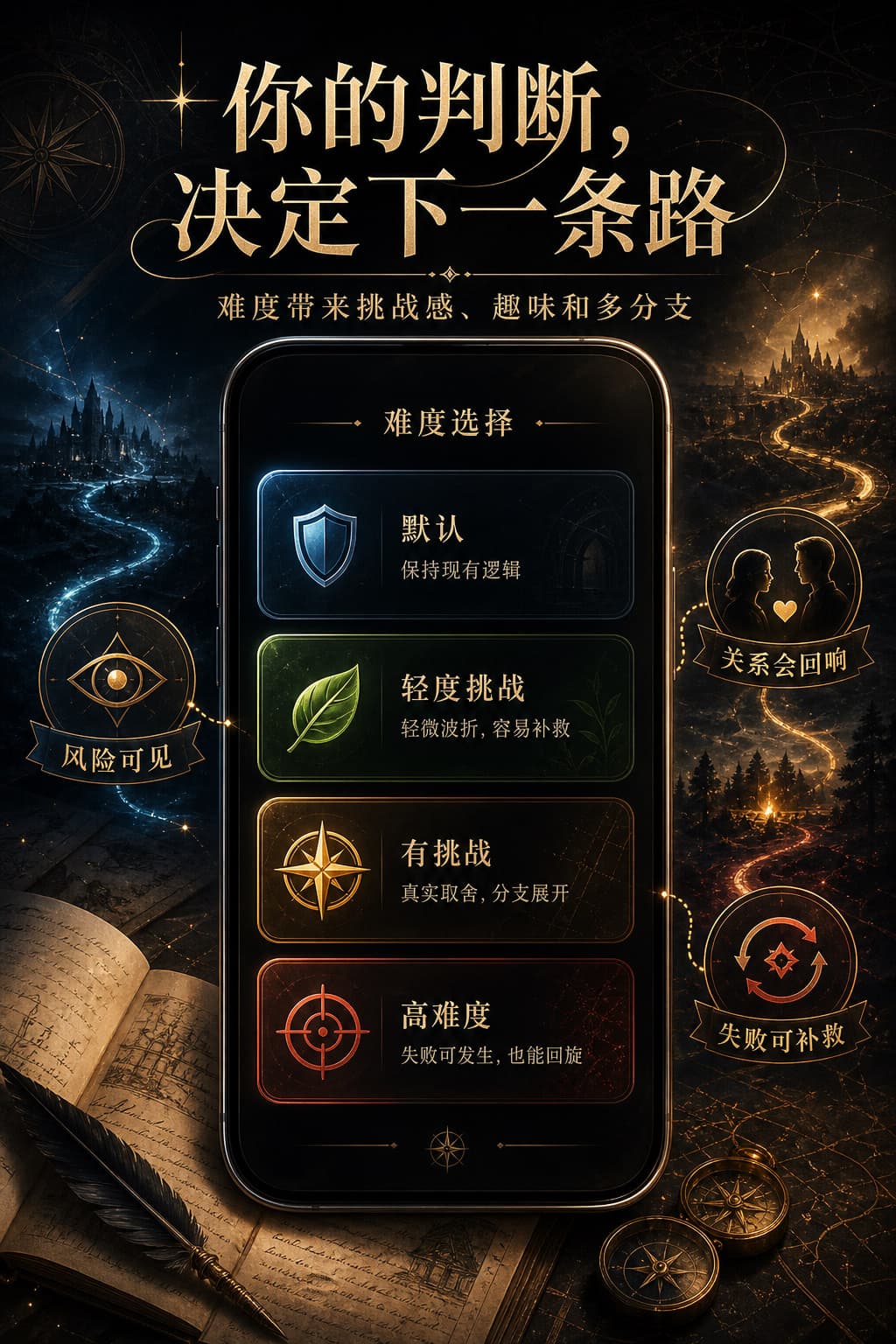
Try a more challenging story
Open a story card or the right-side chat settings panel, then switch difficulty before the next story reply.
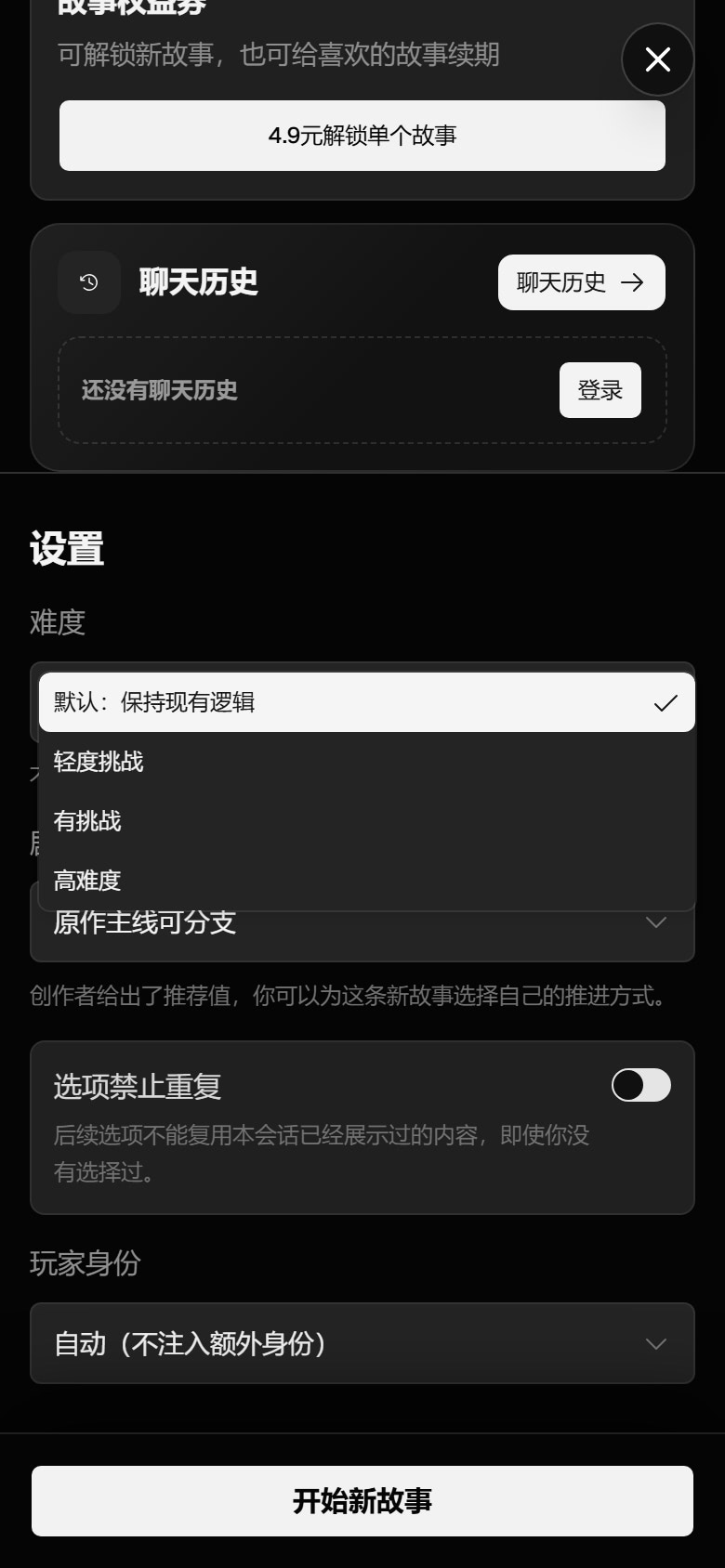
- Difficulty
- Default, gentle, challenging, hard
- Entry
- Story start dialog and chat settings
- Persistence
- Saved to each history session
What changed
Story difficulty now changes plot outcomes, not just option labels: setbacks, costs, and recoverable failure can happen in the scene.
Difficulty is a runtime session setting, so it does not rewrite the story setup or cached prompt prefix.
How challenge works
The model now judges the current scene outcome first. Risky or unsupported actions can create cost, missed clues, damaged trust, or recoverable failure in the visible prose.
The next choices still show risk tags, but those tags are only a preview layer. The core change is that the plot itself can resist the player.
- Default keeps the existing logic.
- Gentle adds mild friction and easy recovery.
- Challenging adds meaningful tradeoffs and setbacks.
- Hard allows failure, backfire, or a worse position when the fiction supports it.
Where to use it
You can choose difficulty before starting a new story, then adjust it later from the right-side chat settings.
The selected difficulty is saved to the current history session immediately, so refresh and re-entry keep the latest choice.