Lin Wan character chat: a companion with memory
A guided introduction to character chat through Lin Wan: where to enter, how to start chatting, what Heartstrings do, and how memory-driven companionship works.

Start a quiet daily chat with Lin Wan
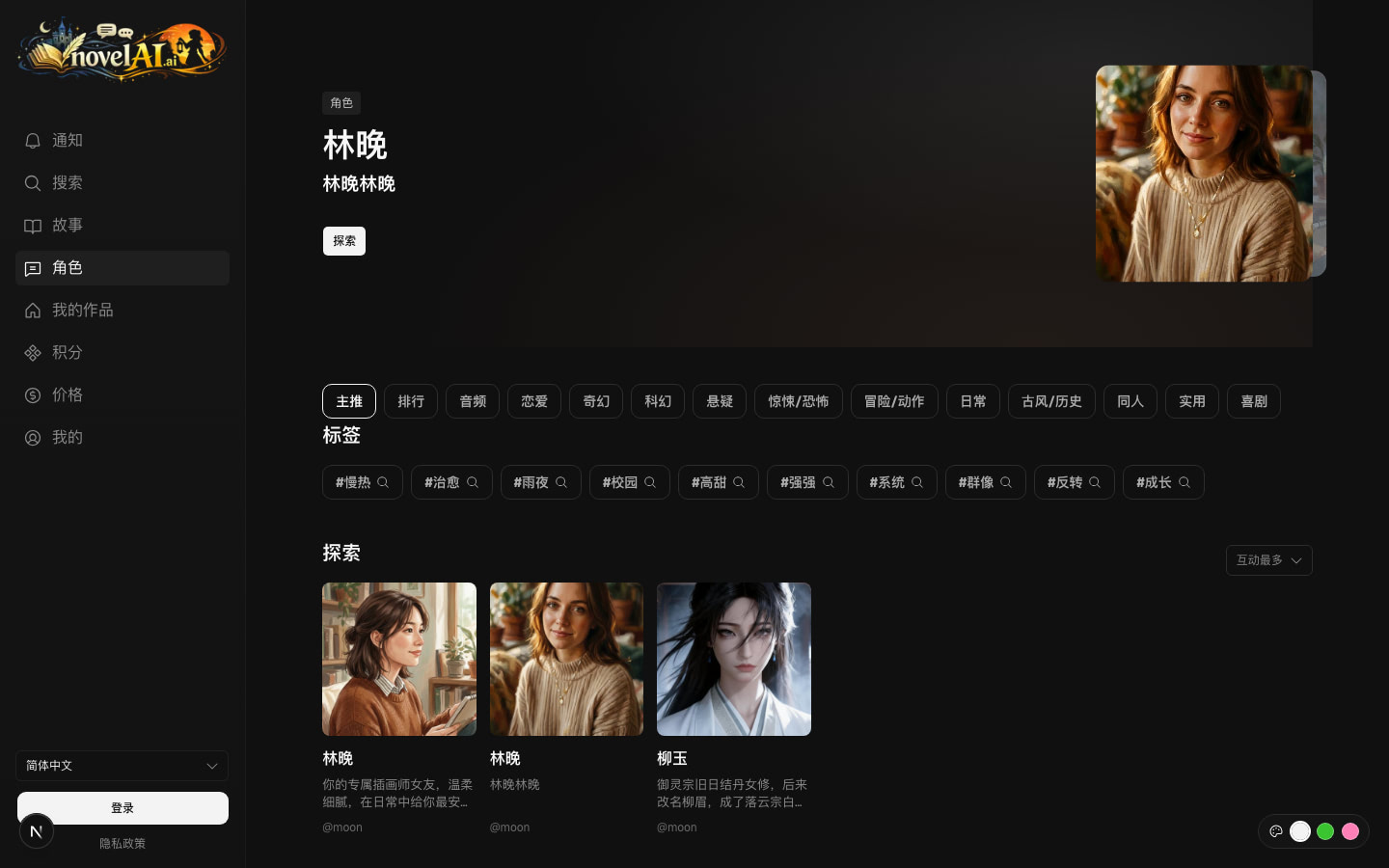
Open Characters from the home sidebar, choose Lin Wan, then start or continue a character chat from the detail dialog. Character plans and Heartstrings live on the character pricing page.
- Entry
- Home > Characters > Lin Wan
- Chat start
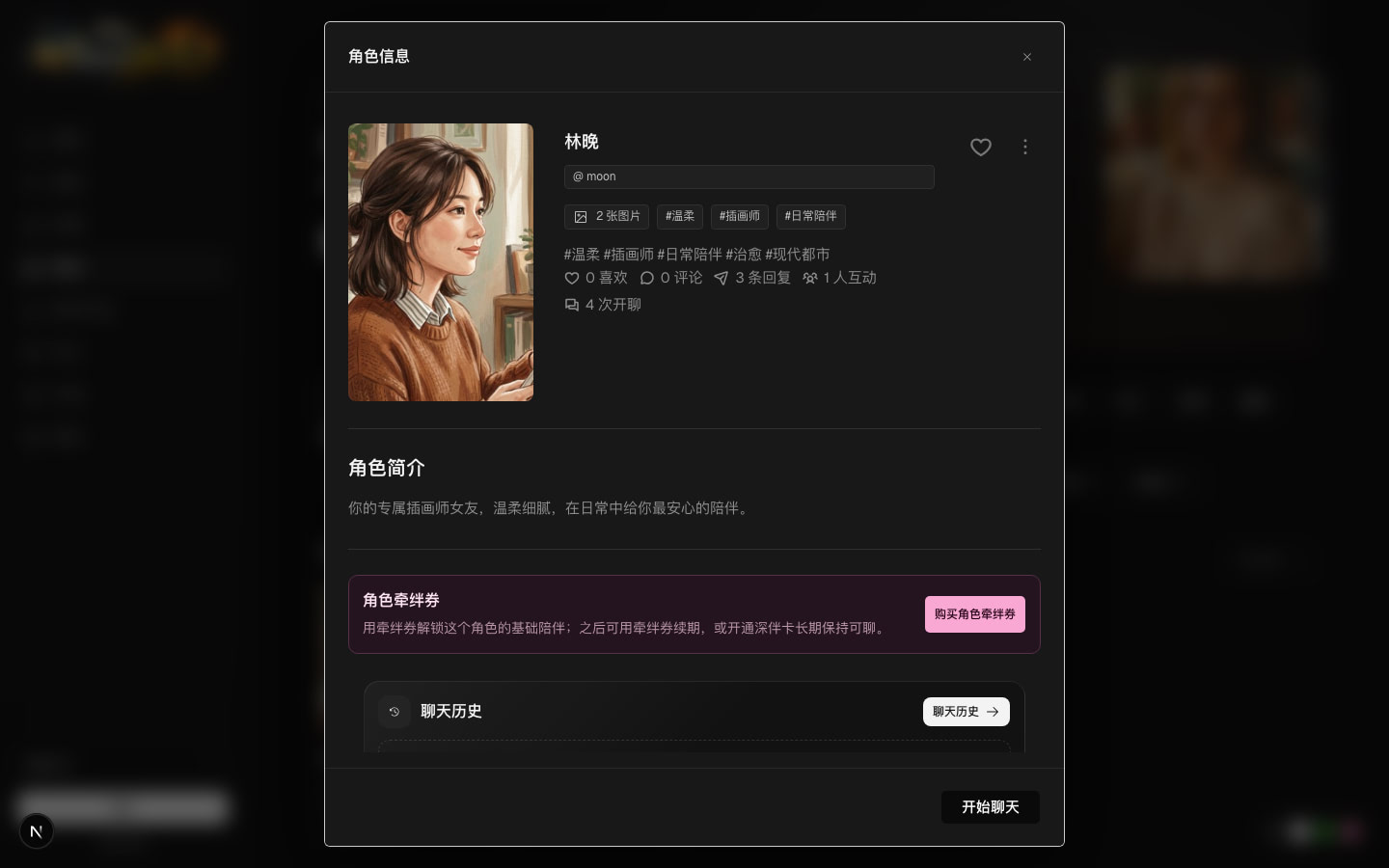
- Detail dialog > Start character chat
- Balance
- Heartstrings for deeper replies and memories
Finding Lin Wan from home
On desktop, open the novelai home page and select Characters in the left navigation. On mobile, use the bottom navigation to enter the chat and character area. Lin Wan appears as a character card in the published character list.
Her card shows cover art, title, summary, tags, and activity. The current setup positions her as a personal illustrator companion: modern daily life, gentle conversation, emotional steadiness, and clear boundaries.
- If she is not in the first recommendation set, continue browsing the Characters page or change the sort order.
- Selecting her card opens a detail dialog first, so you can review the character before chatting.
- The dialog contains the profile, interaction guidance, character benefits, and recent session entry.
Starting a chat
From Lin Wan's detail dialog, choose Start character chat. If you already have a session, Continue character chat returns to the existing relationship and context.
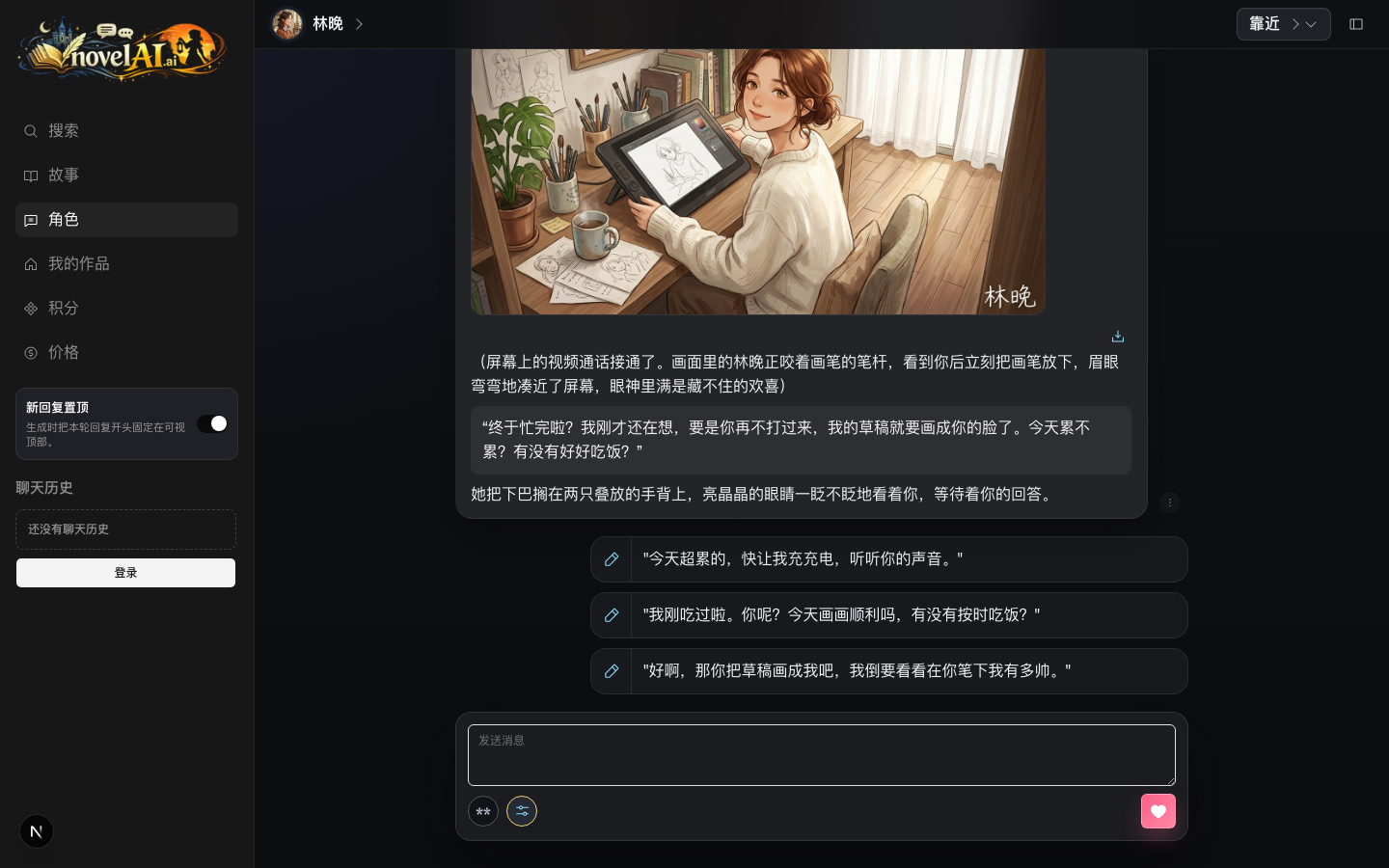
A new session opens the character chat page. Lin Wan greets you with her own opening: a video call connects, she puts down her pen, and she checks whether you ate properly today. The entry feels like stepping into an ongoing relationship rather than reading a fixed chapter.
- Start a new chat when you want a clean relationship line.
- Continue a chat when you want previous conversations and promises to matter.
- Character chat uses a focused one-on-one visual mode instead of the standard story layout.
Companionship and personality
Lin Wan is designed to feel like a coherent fictional person, not a reply template. She is warm, observant, slow to open up, and caring, but she also has her own emotional boundaries.
The sense of presence comes from stable persona rules, relationship stage, tone, and memory. She can ask whether you are tired, remember foods or routines you mentioned, and let small agreements accumulate into a more continuous bond.
- Daily companionship: after-work chats, meal reminders, quiet evenings, sketches, and cafe dates.
- Emotional support: she listens first, steadies the moment, then offers light suggestions.
- Relationship continuity: misunderstandings, jealousy, repair, and promises can carry forward.
What Heartstrings do
Heartstrings are the character-only balance. They are shown separately from story credits and are used for character features such as deeper replies, memory images, and some character message operations.
For instant actions that support diamonds, the system tries diamonds first. If diamonds are not enough, character actions use Heartstrings. When the balance is insufficient, the app prompts you instead of charging silently.
- Use Heartstrings for more detailed long-form character replies.
- Memory images turn important chat moments into saved visual scenes.
- Character benefits, story benefits, story credits, and Heartstrings stay separate.
Visual memories
Lin Wan currently has appearance references for home, date, and work modes, plus scene ideas such as a warm apartment studio and a quiet cafe table. When a chat reaches a moment worth keeping, you can turn it into a memory image.
The visuals are not a replacement for conversation. They give the relationship markers you can look back on: a video call, a coffee date, or a night when she quietly listened.
How to use it well
Lin Wan is a good first character because her setup is easy to enter and showcases the core strengths of character chat: steady response, remembered details, personality, and respectful boundaries.
Treat her as a fictional interactive character for conversation, comfort, dates, and relationship play. She is not a real person and cannot replace medical, legal, or crisis support in the real world.